配方#
下面每一条都是一整页幻灯片,不是片段:复制过去,把文字换成你自己的,它就能渲染。所有配方都取自网站上的配方演示,也就是说这里看到的每一页都通过了布局检查。
封面#
slide({ name: "Cover" }).cover();
text("Section 01").eyebrow();
text("Adaptive Inference at the Edge").hero();
text("Routing easy inputs away from the network").subtitle();
text("Research Systems Group").author();
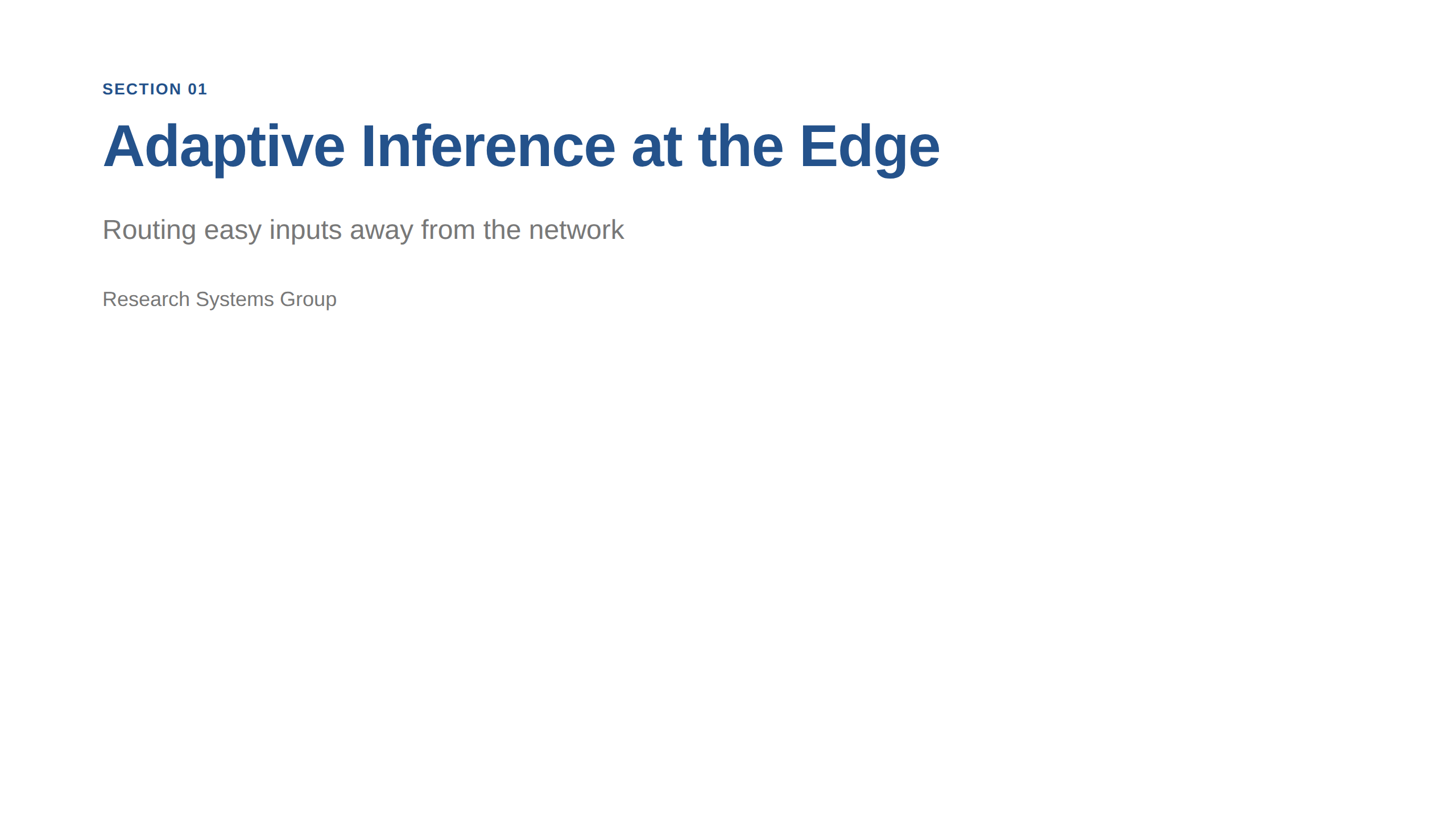
cover() 换的是布局,四个文字角色承载含义。这里没有任何一处设置字号,所以换主题就能重新配色排版,页面本身不用动。
一个论点和它的证据#
slide("Cloud-only inference stalls on the network");
text("The round trip costs more than the model call it protects.").lead();
bullets(
  "Latency varies with congestion, not with model size",
  "Every input leaves the device, including private ones",
  "A fixed route spends the same budget on easy and hard inputs",
);
note("Give the audience the problem before the method.");
text("Measurements in these slides are illustrative.").caption();
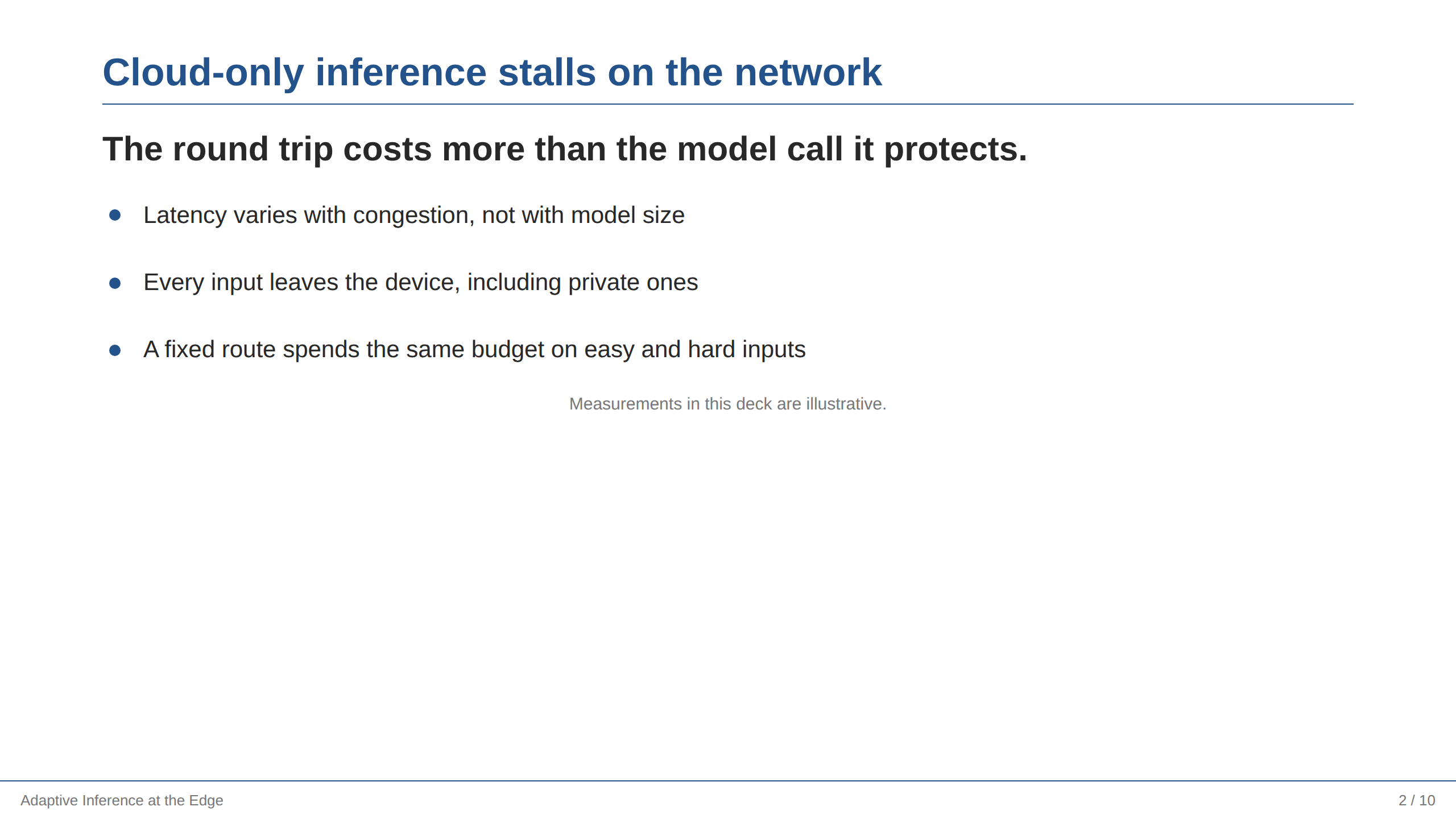
一场讲演里最常见的一页。标题给出论断,lead() 用一句话再说一遍,要点是证据。note() 把交付细节留在屏幕之外,caption() 是放免责说明的地方。
对比#
slide("Two routes, one budget").split("45:55");
text("Cloud only").lead();
bullets("118 ms round trip", "Every input uploaded", "One accuracy operating point");

right();
text("Adaptive").lead();
bullets("41 ms for routed inputs", "72% stay on the device", "Accuracy traded per input");
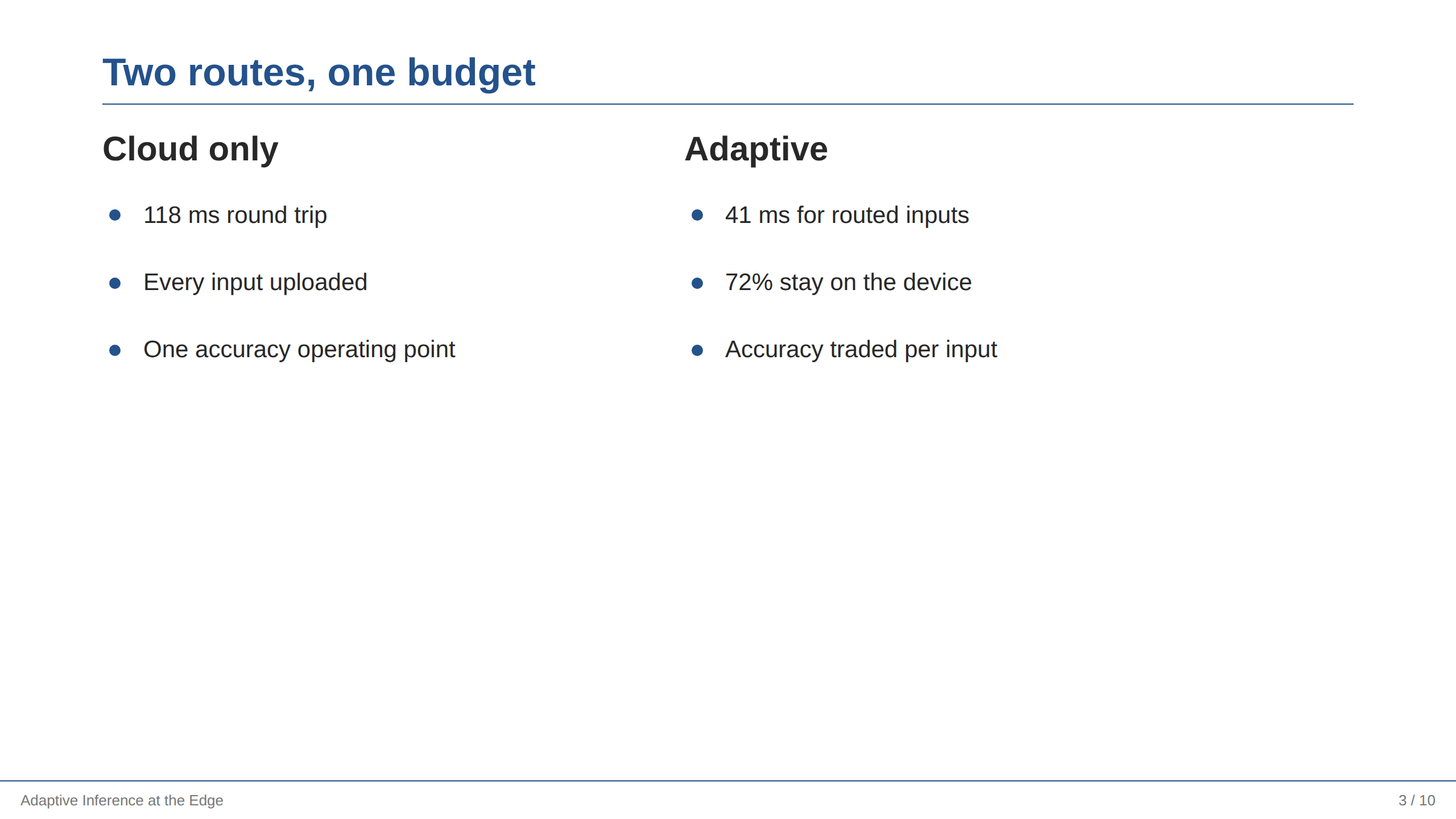
split() 命名两个区域,right() 切到第二个 —— 两边在源码里也是并排的,和页面上一样。两列的条目数尽量一致:这一页的形状本身就是论证。
一行指标#
slide("Operating profile");
text("Three numbers summarise the run.");
gridSection(
  3,
  metric("41 ms", "Median latency"),
  metric("72%", "Inputs kept local"),
  metric("−0.6 pt", "Accuracy change"),
).gap(20);
text("Values are illustrative and not a benchmark.").caption();
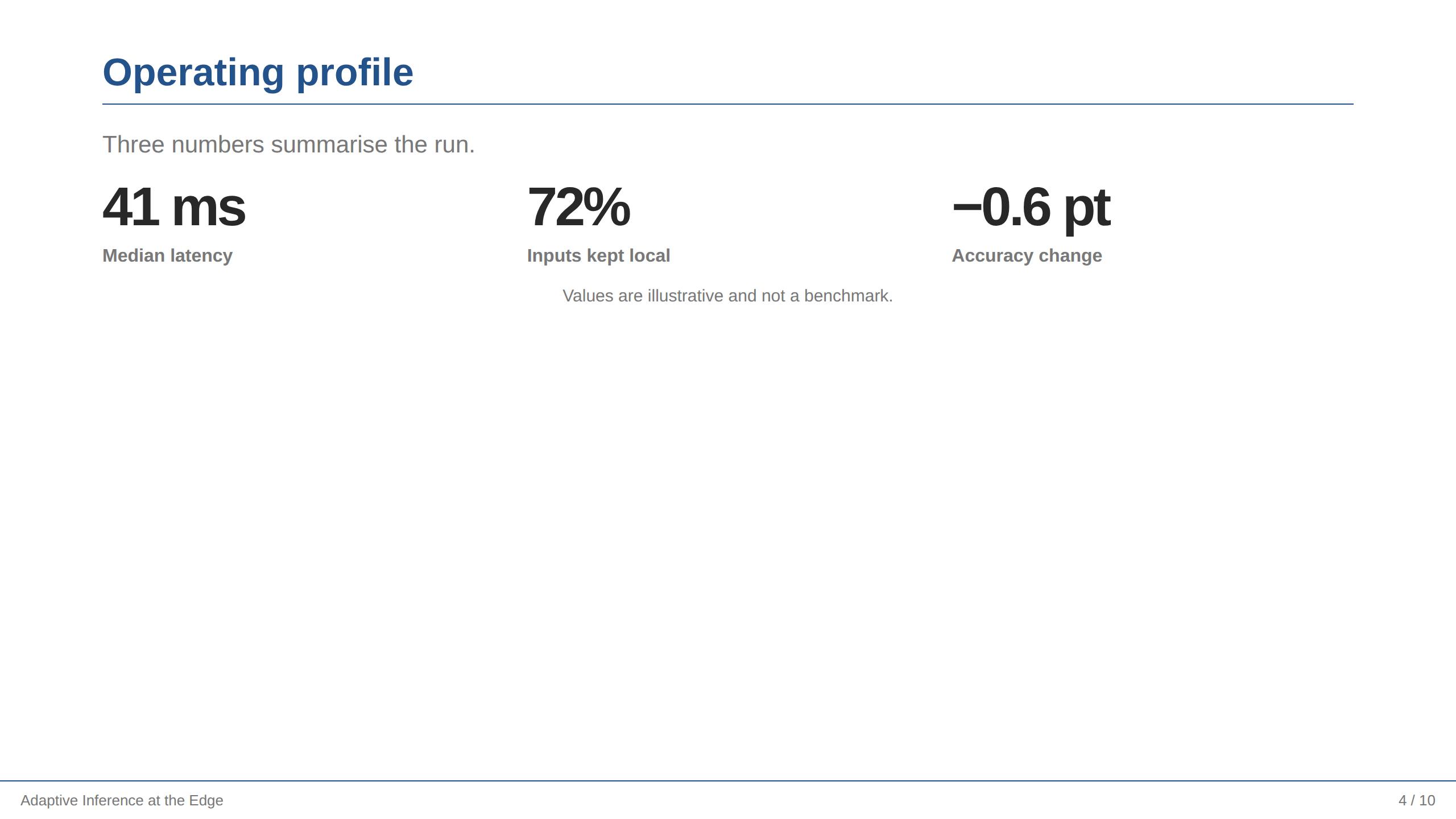
gridSection() 只排它自己的条目,所以上面那句话和下面的注释仍在正常文档流里。整页都是网格时,用 slide().grid(3)。
代码配解释#
slide("The routing rule").split("52:48");
code(`if (confidence(small) >= threshold) {
  return small;
}
return large;`, "ts");

right();
text("One comparison decides the route.").lead();
bullets(
  "The small model always runs first",
  "Only its confidence crosses the network",
  "The threshold is the single tuning knob",
);
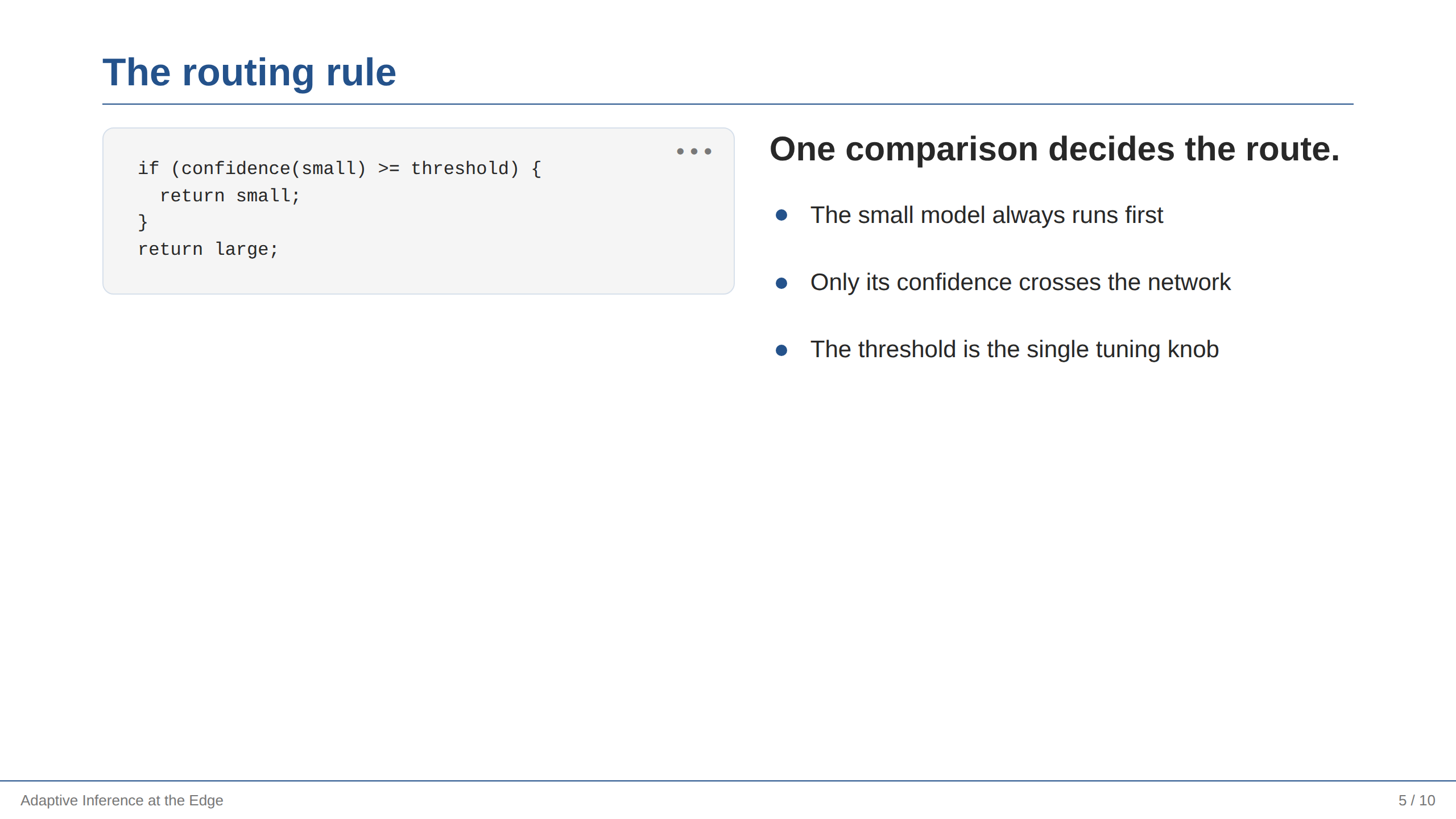
给代码略多于一半的宽度,并把它删减到只剩承载想法的那几行。要点写的是读者该注意什么,这和逐行讲解代码不是一回事。
公式配读法#
slide("Objective").center();
text`The router minimises latency subject to an accuracy floor.`.lead();
math`\min_{\theta}\; \mathbb{E}\big[\ell(f_\theta(x), y)\big] + \lambda\,\mathbb{E}\big[c(x)\big]`;
text("λ prices a millisecond against a point of accuracy.").caption();
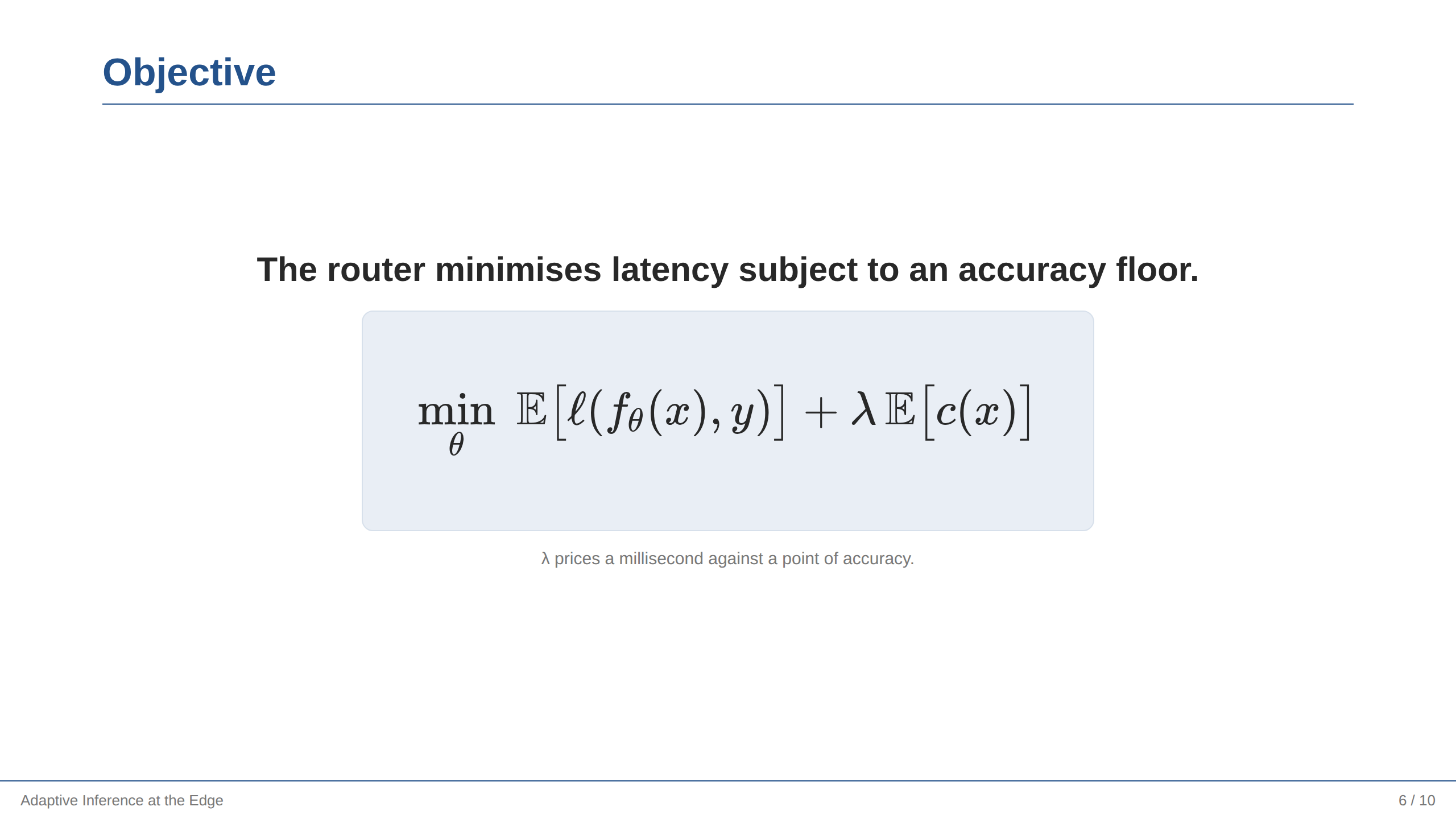
凡是带反斜杠的内容都用标签模板形式。句子、公式、读法:观众得先知道这些符号买到了什么,才有心思去解析它们。
流程图#
slide("Request path").canvas();

at("flow").row().gap(90).align("center").anchor("center");
shape("rounded", "Device").as("device").width(200).height(110).tone("teal");
shape("hexagon", "Router").as("router").width(200).height(110).tone("indigo", "solid");
shape("cloud", "Cloud").as("cloud").width(230).height(140).tone("sky");

line().from("device").to("router").arrow("end");
line().from("router").to("cloud").arrow("end");
text("28% of inputs continue past the router").caption().below("router", 28);
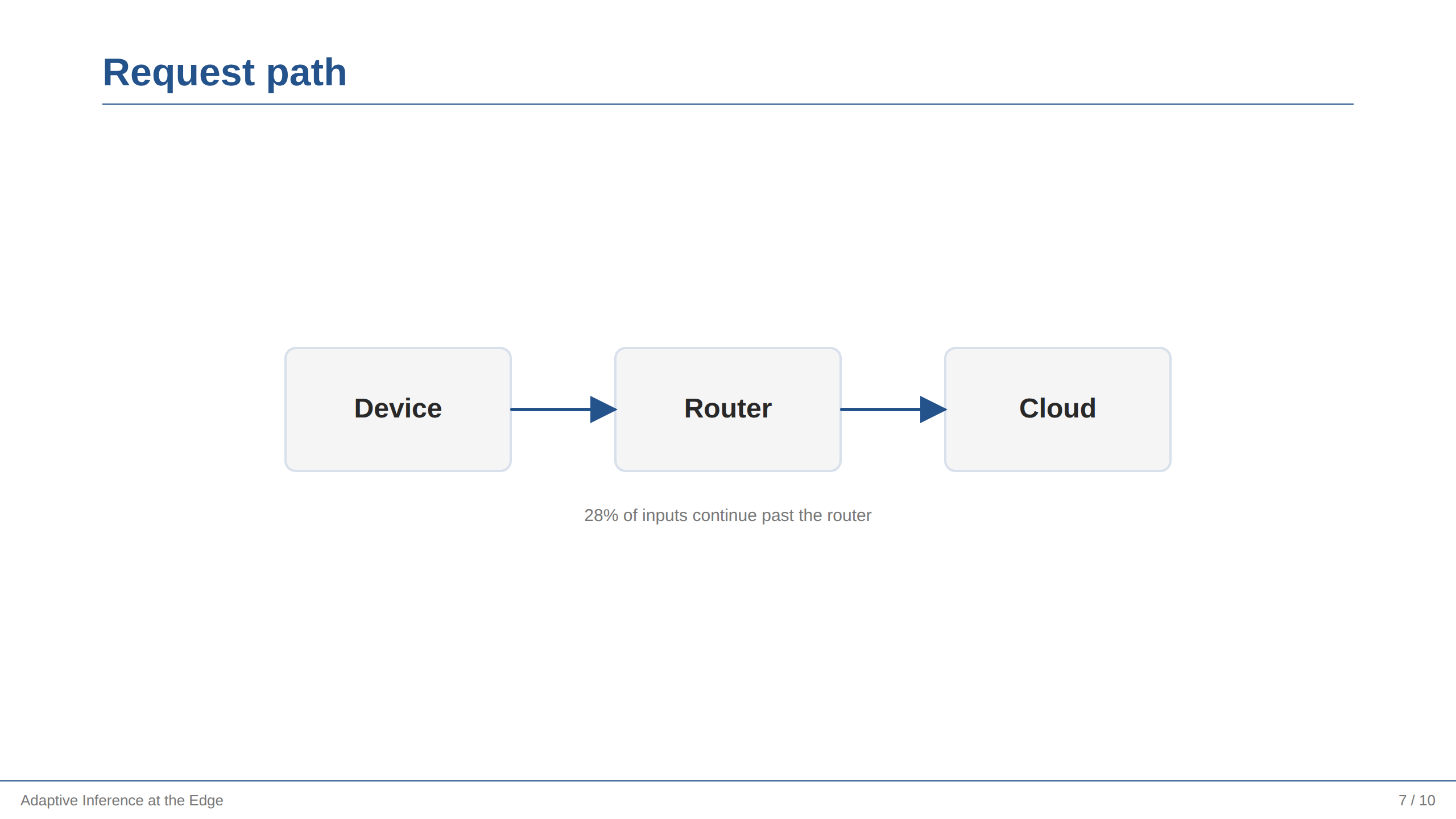
一个坐标都没有。row 负责排布,anchor("center") 负责放置,连线跟着形状走。改 gap(90) 会重排整张图,连线一起动。每个节点都是能说明其身份的形状,tone() 按角色上色,所以路由器作为唯一的实心形状最显眼。完整模型见 画图。
二维架构图#
slide("Where the work happens").canvas();

at("map").column().gap(64).anchor("center");
at("map/device").row().gap(90);
shape("rounded", "Small model").as("small").width(230).height(110).tone("teal");
shape("diamond", "Confident?").as("confidence").width(230).height(110).tone("amber");
at("map/cloud").row().gap(90);
shape("rounded", "Large model").as("large").width(230).height(110).tone("purple");
shape("cylinder", "Cache").as("cache").width(230).height(110).tone("purple");

at("map");
line().from("small").to("confidence").arrow("end");
line().from("confidence.bottom").to("large.top").route("elbow").arrow("end").label("no");
line().from("large").to("cache").arrow("both");
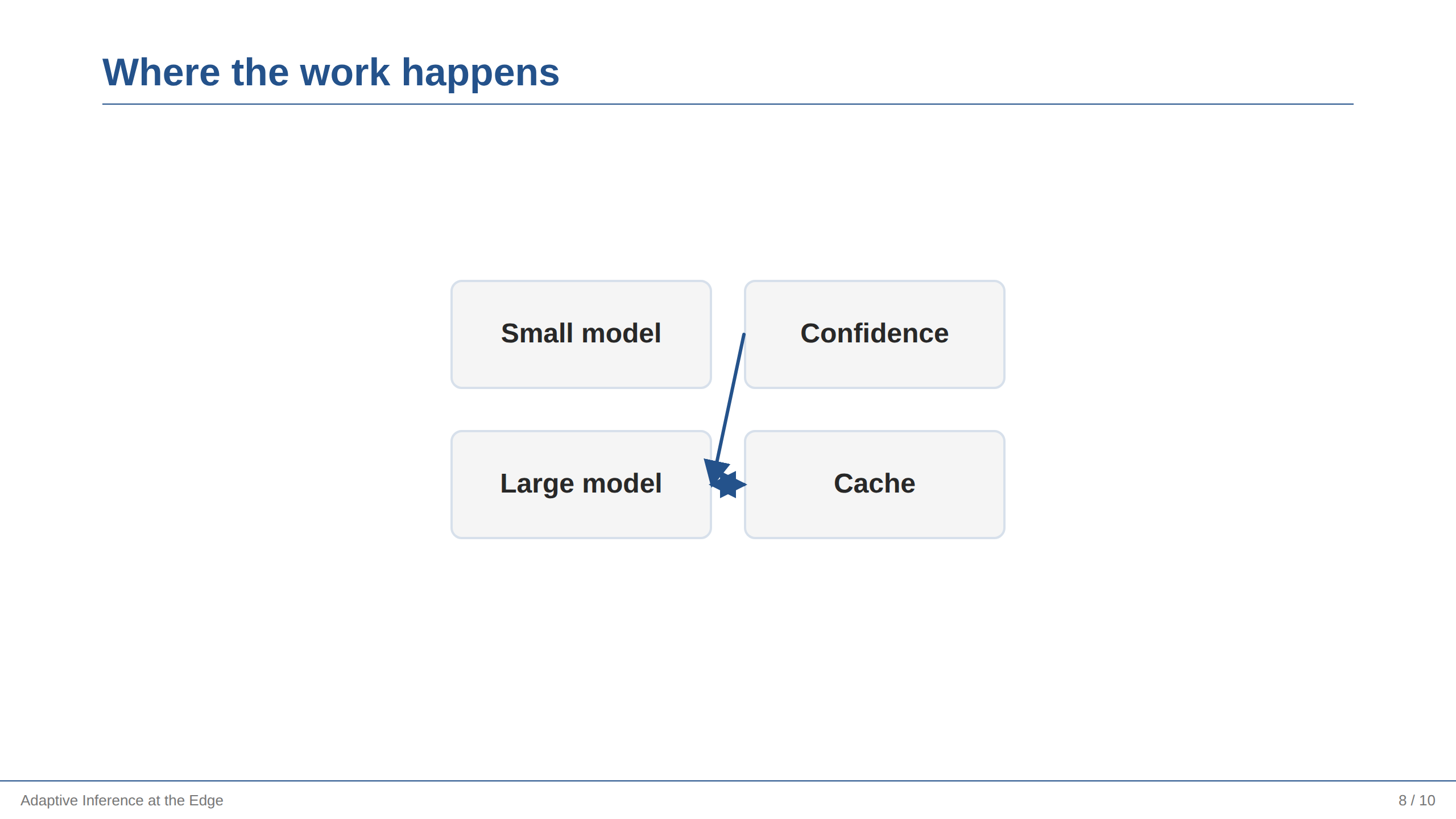
列里套行就有了第二个维度,而路径就是嵌套关系。写连线之前用 at("map") 回到外层容器,连线的坐标才属于它。
判断流程图#
slide("Answering a request").canvas();

at("flow").column().gap(40).align("center").anchor("center");
shape("pill", "Request").as("start").width(200).height(56).tone("green", "solid");
shape("diamond", "Cached?").as("cached").width(220).height(110).tone("amber");
shape("rounded", "Run the model").as("run").width(240).height(72);
shape("cylinder", "Store the answer").as("store").width(220).height(100).tone("purple");

at("flow");
line().from("start").to("cached").arrow();
line().from("cached").to("run").arrow().label("no");
line().from("run").to("store").arrow();
line().from("cached.right").to("store.right").route("elbow").arrow().label("yes");
胶囊开始流程,菱形提出问题,圆柱保存答案。"yes" 分支是一条折线:它从菱形的右角出发,从下面那个框的旁边绕过而不是穿过去,再从侧面进入存储。label() 在每个分支出发的地方标出它的名字。
渐进揭示#
slide("What changed").notes("Pause after each step; the third is the surprising one.");
steps(
  "Latency fell by 65% for routed inputs",
  "Accuracy moved by less than one point",
  "The threshold, not the model, carries the trade-off",
);
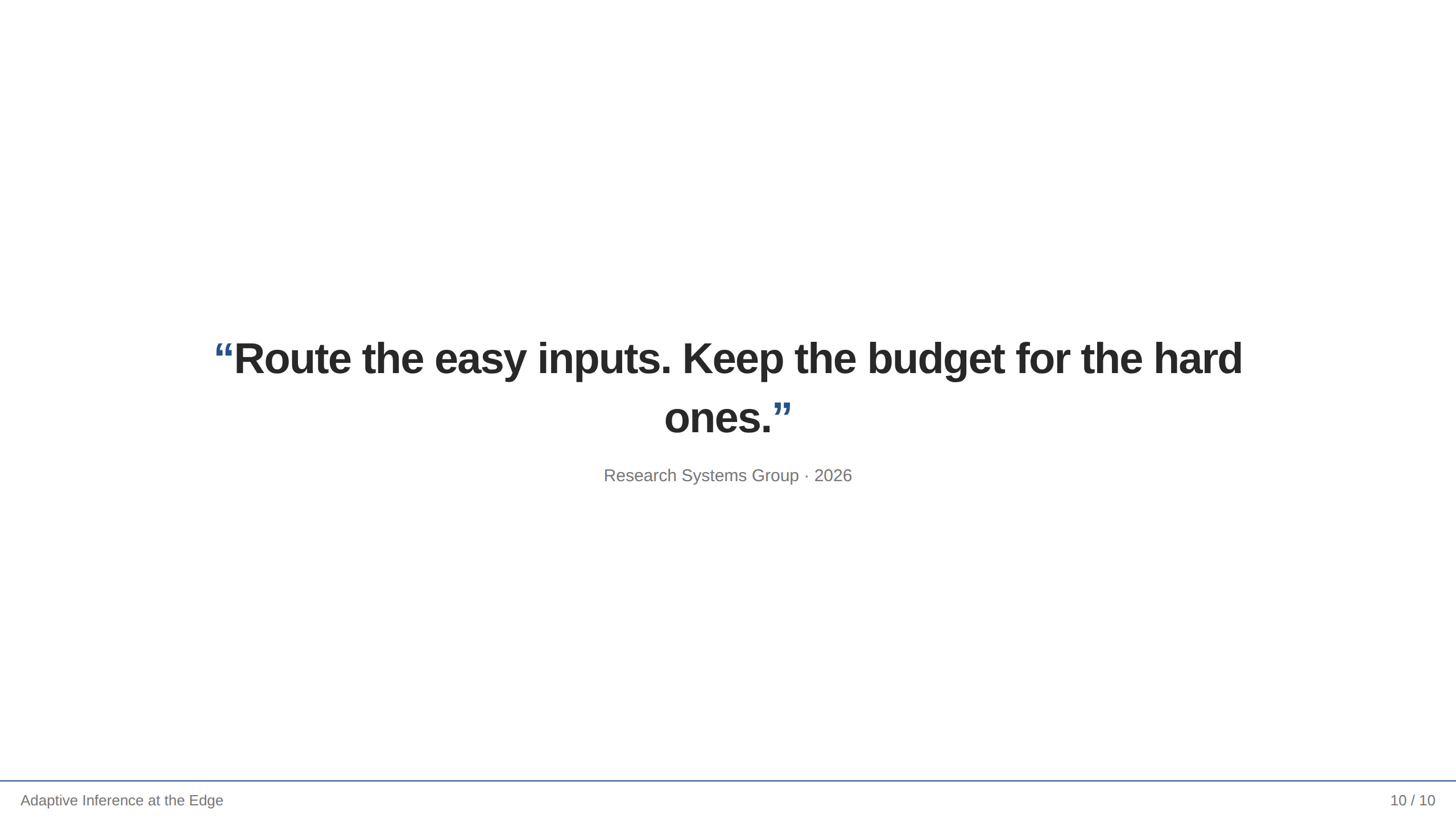
steps() 在浏览器里每按一次显示一条,在 PDF 和 PPTX 里全部显示。如果要让单个对象(而不是列表项)属于某一步,用 showAt(n)。
收尾#
slide({ name: "Close" }).center();
text("Route the easy inputs. Keep the budget for the hard ones.").quote();
text("Research Systems Group · 2026").caption();
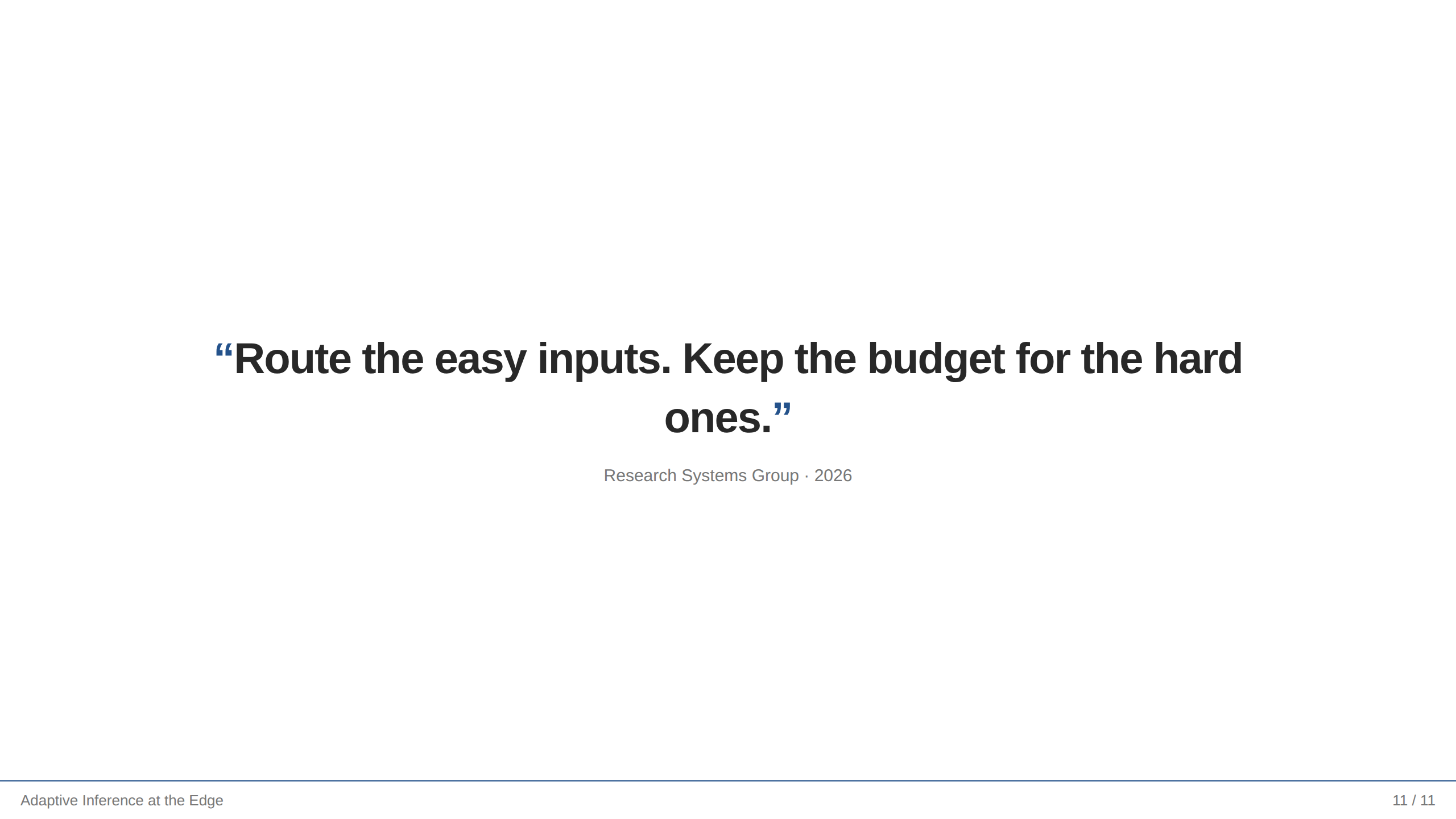
结尾页只留一句话,给全场一个可以带走的东西。center() 和 quote() 负责其余部分;slide() 的对象形式让这一页没有标题。
修改它们#
修改一场讲演拿同一份演示走了一遍第二稿会做的修改 —— 换主题、拆页、加一项指标、给图加一个节点 —— 并给出每一处改动值多少行。
检查你自己的幻灯片#
这些配方所在的演示通过了布局检查,你的也可以用同样的标准来要求:
npx frameseq check my-talk.slides.ts
它会按真实尺寸渲染每一页,报告溢出或被裁切的文字、小于可读下限的字号、空白页,以及拼错的区域路径。见 Layout checks(英文)。