Full-screen show
F5 from the start, Shift+F5 from here. Clicks and arrow keys step through reveals, and the show ends on black.
FrameSeq Studio has the menus, Insert gallery, format pane, slide masters, and presenter view you know from PowerPoint. Underneath, every slide is one readable file: AI can write it, Git can track it, and one command makes it an editable PowerPoint, a PDF, or a website.
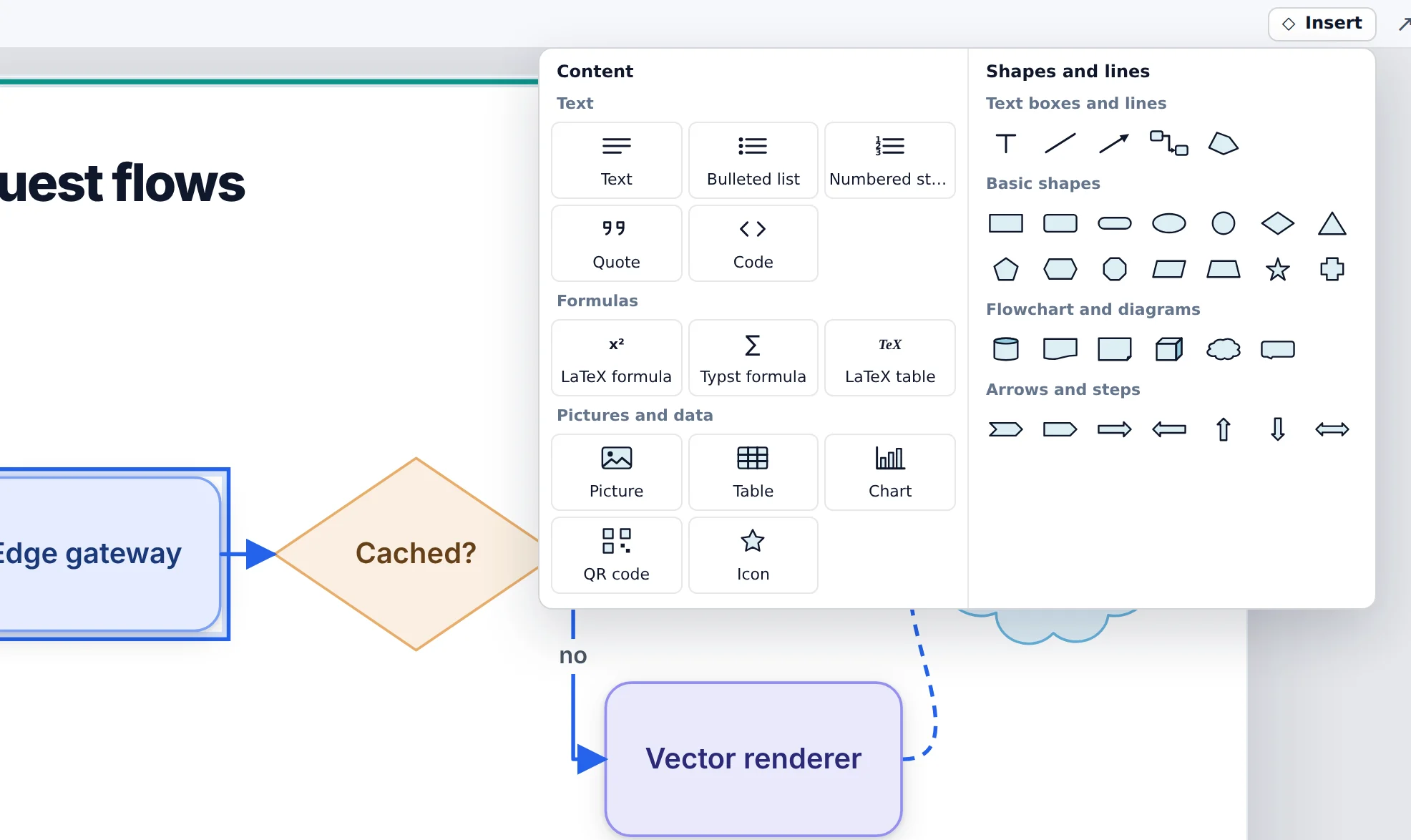
27shapes, from flowchart symbols to block arrows
12slide layouts to start a new slide from
4formats: PowerPoint, PDF, web, and Typst
1download, with Node.js, Typst, and Tectonic inside
FrameSeq Studio
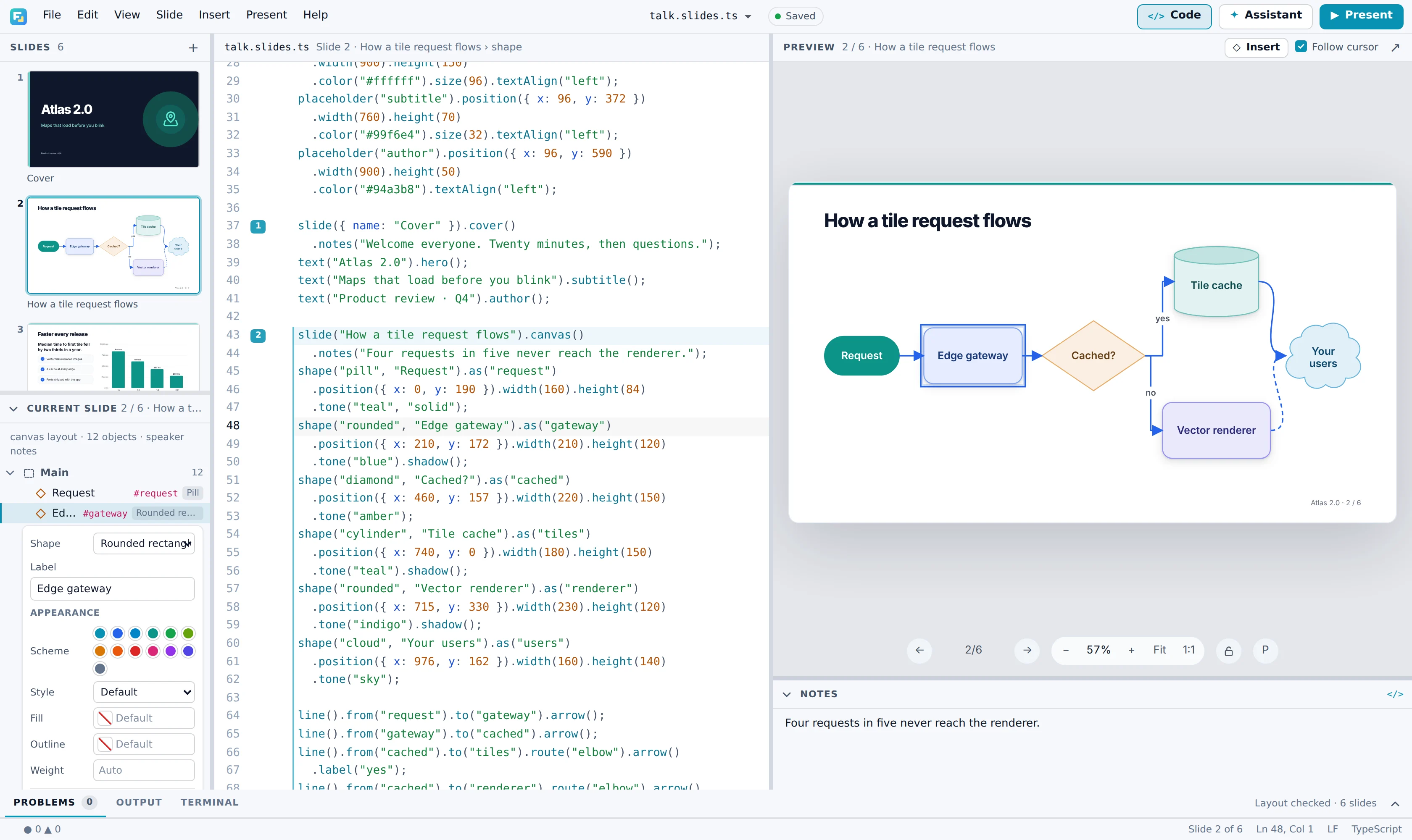
A menu bar, an Insert gallery, right-click commands, a format pane, and slide masters. There is nothing to learn first: point, drag, and type, and the Studio writes the code.
Writesshape("diamond", "Cached?").position({ x: 460, y: 157 })
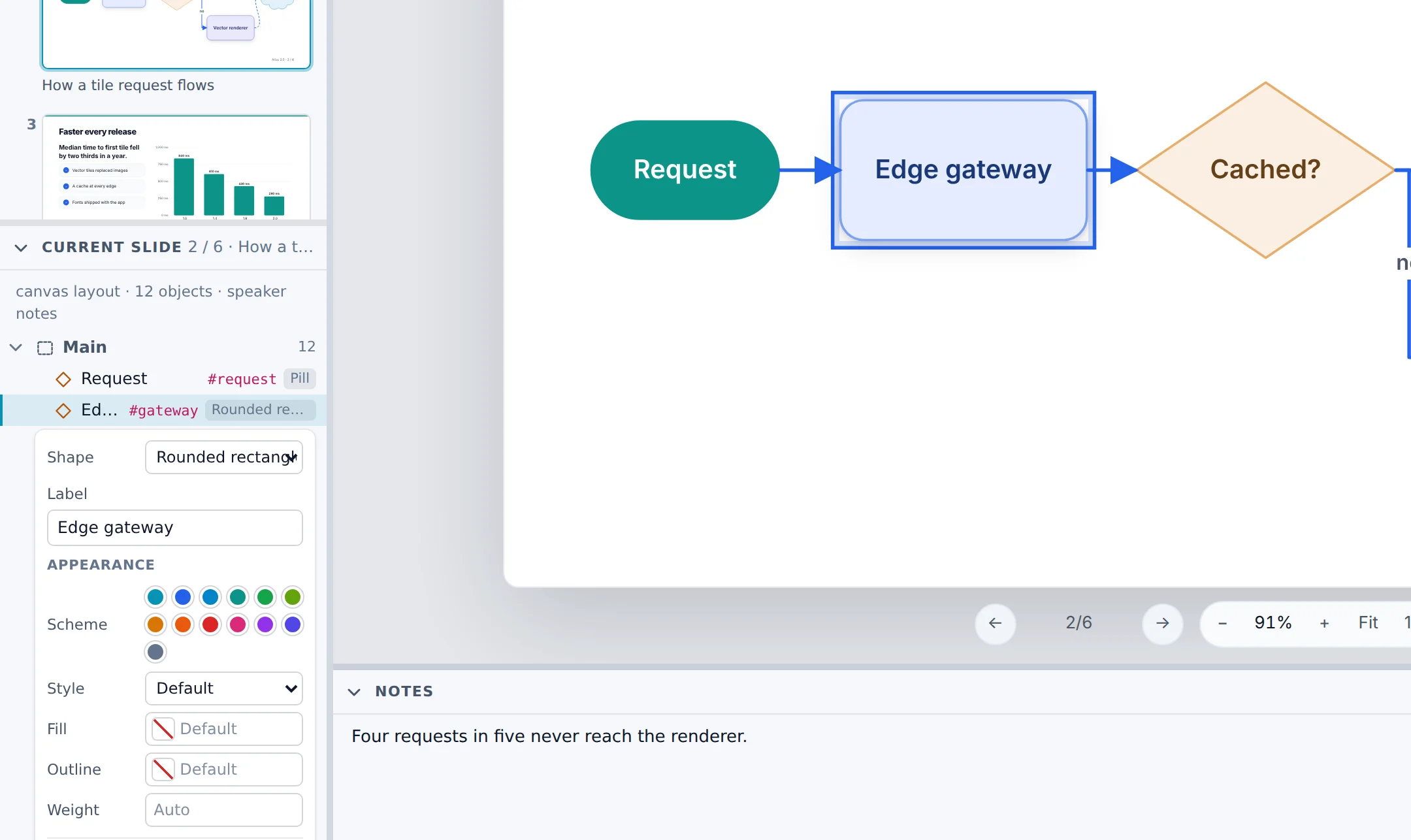
Writes.tone("blue").shadow()
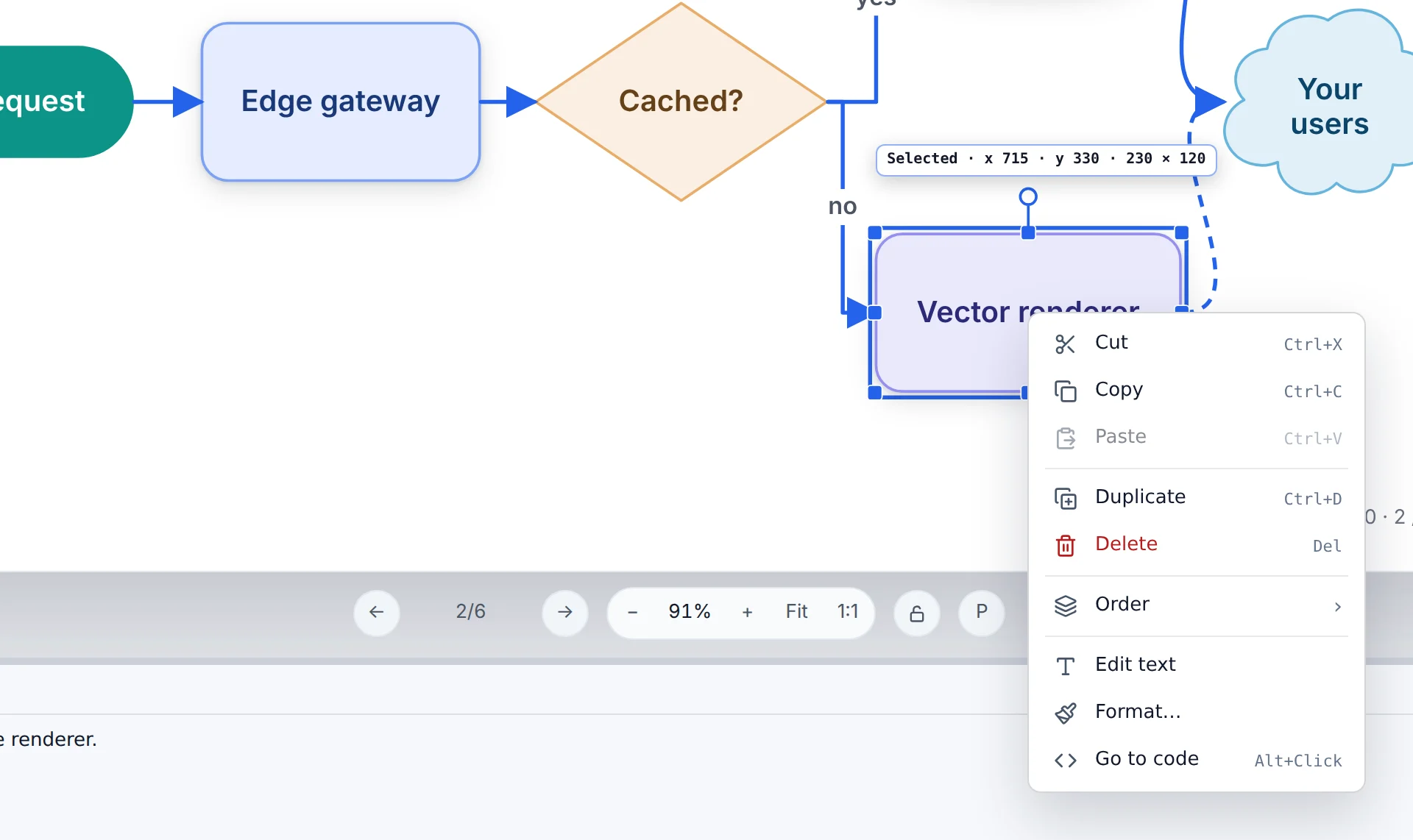
Copies asshape("rounded", "Vector renderer").as("renderer")
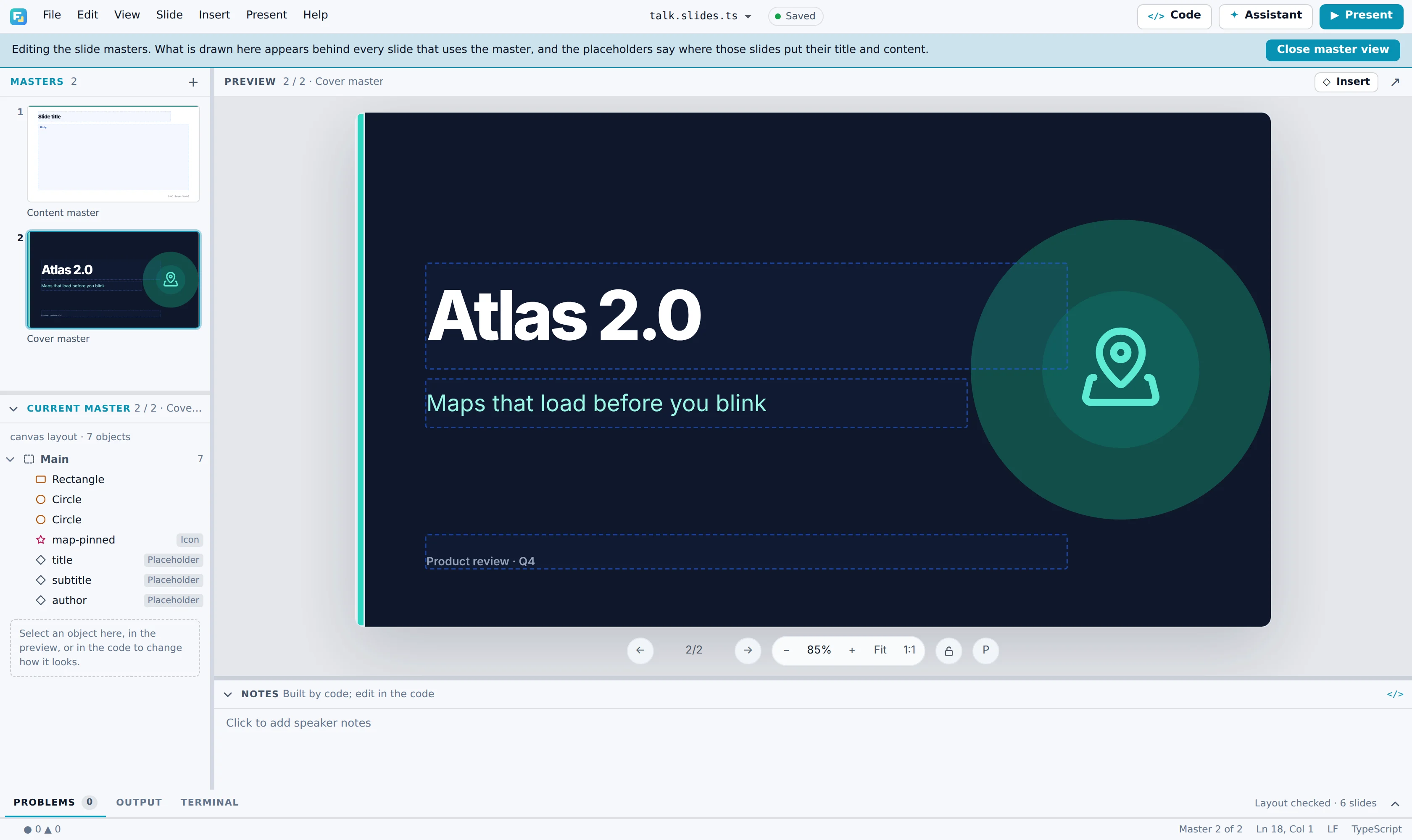
Writesmaster("cover"); placeholder("title")
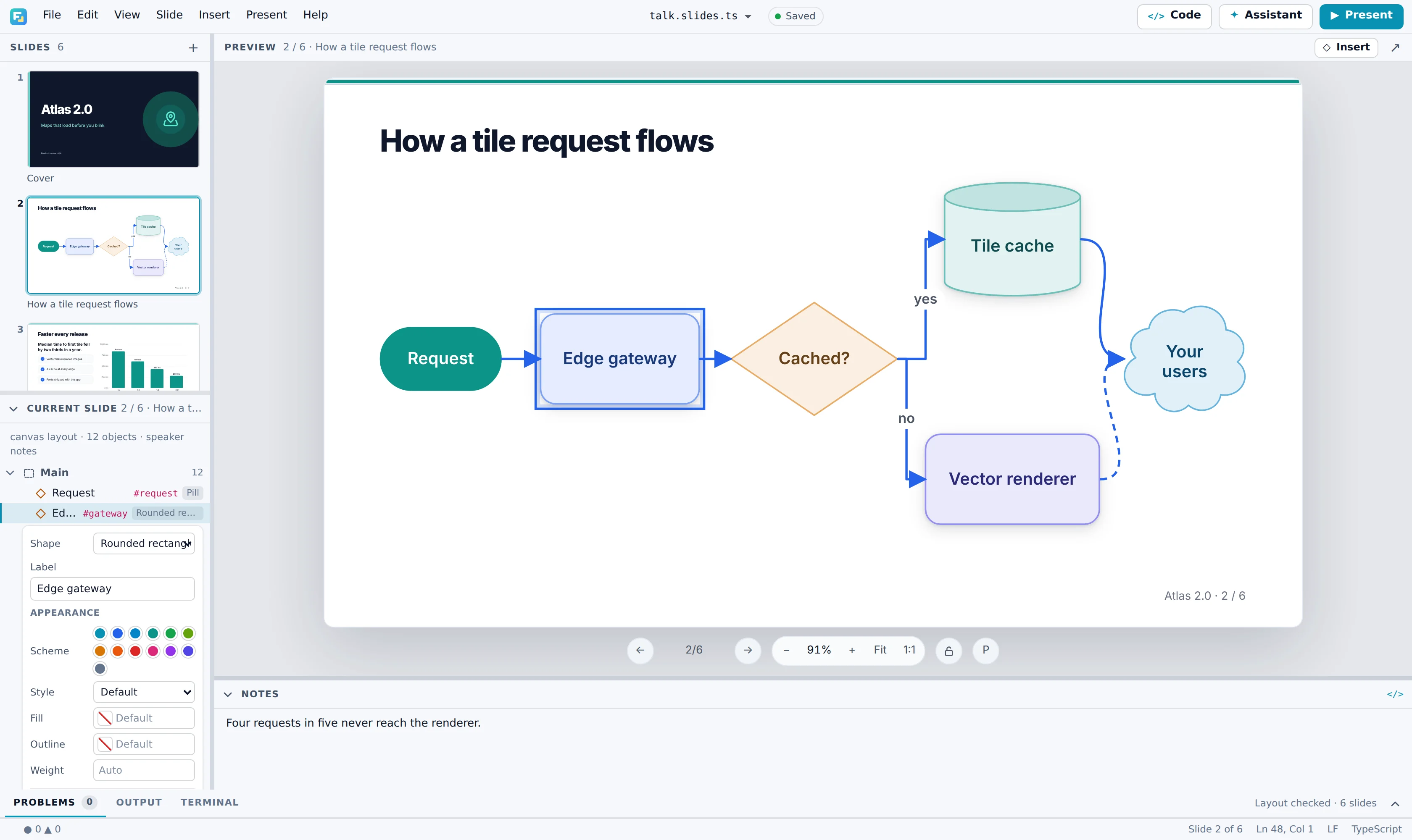
Two views of one slide
Ctrl+E folds the editor away for anyone who never wants to see it. Open it again and the cursor is on the object you selected: dragging a shape changes only its numbers.
AI assistant
The Assistant panel runs Claude Code or Codex, whichever your computer has, on your own sign-in. It edits the slides, checks the layout, looks at what it drew, and lays out every edit for you to accept or reject.
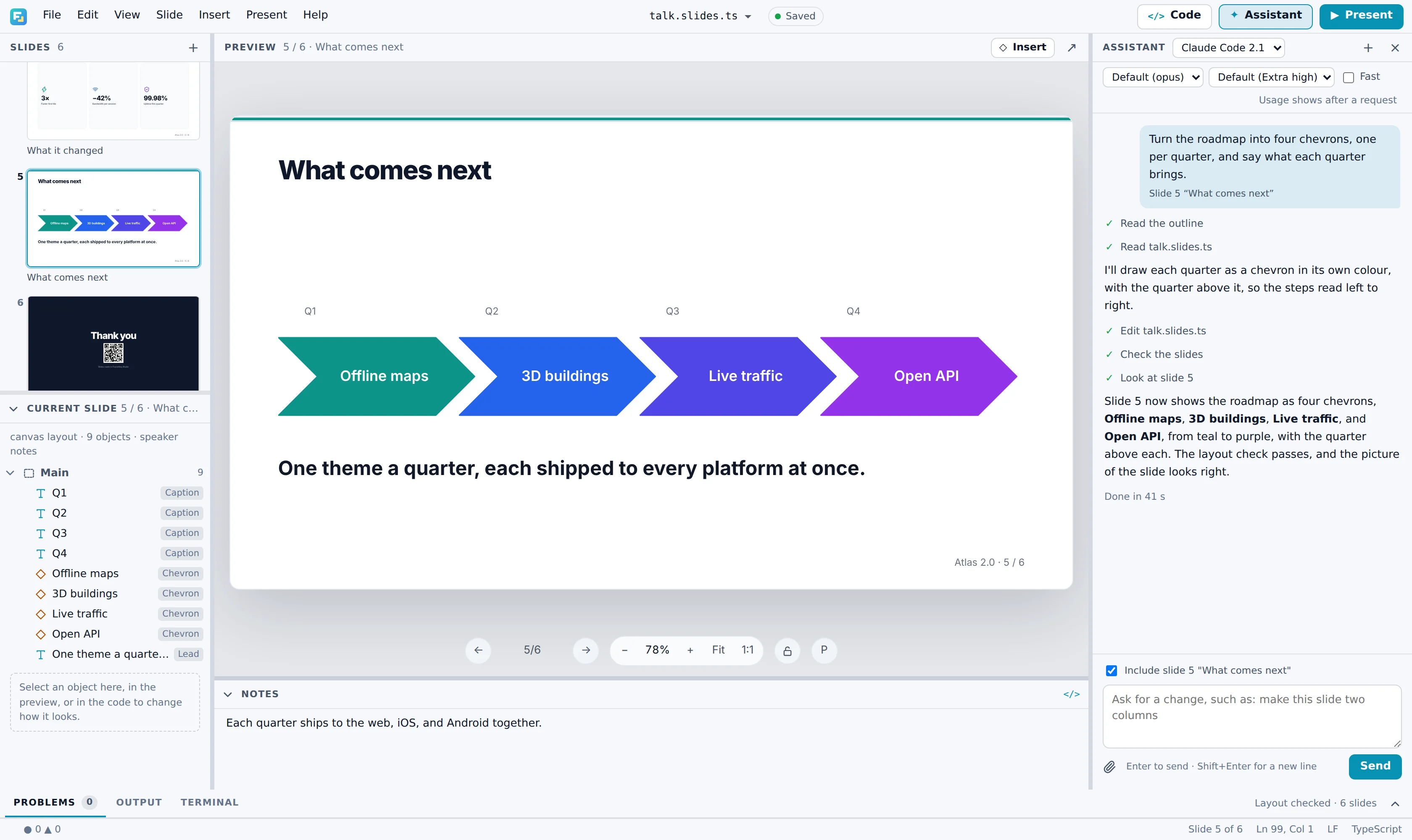
The request carries the slide in view, the lines you selected, and the problems in the list, so “this slide” means something.
Through frameseq mcp the agent runs the layout check and looks at pictures of the slides before it says it is done.
The editor shows each change against what was there before, to accept or reject. Ctrl+Z undoes the lot.
Claude Code, Codex, and Cursor connect to frameseq mcp to outline, check, and see the slides. Any model can learn the language from llms.txt.
$ npx frameseq check talk.slides.ts
ERROR Slide 4 "Architecture" [text-clipped]
  Text is clipped by 38px on the bottom.
  Object: text 3.1.2 "FrameSeq owns presentation…"
  Suggestion: Increase the text box size, reduce
  the font size, or shorten the content.
Presenting
Press F5 and the slides fill the screen edge to edge. With a projector attached, they go to the projector, and presenter view stays on your laptop with the notes, the next slide, and a timer.
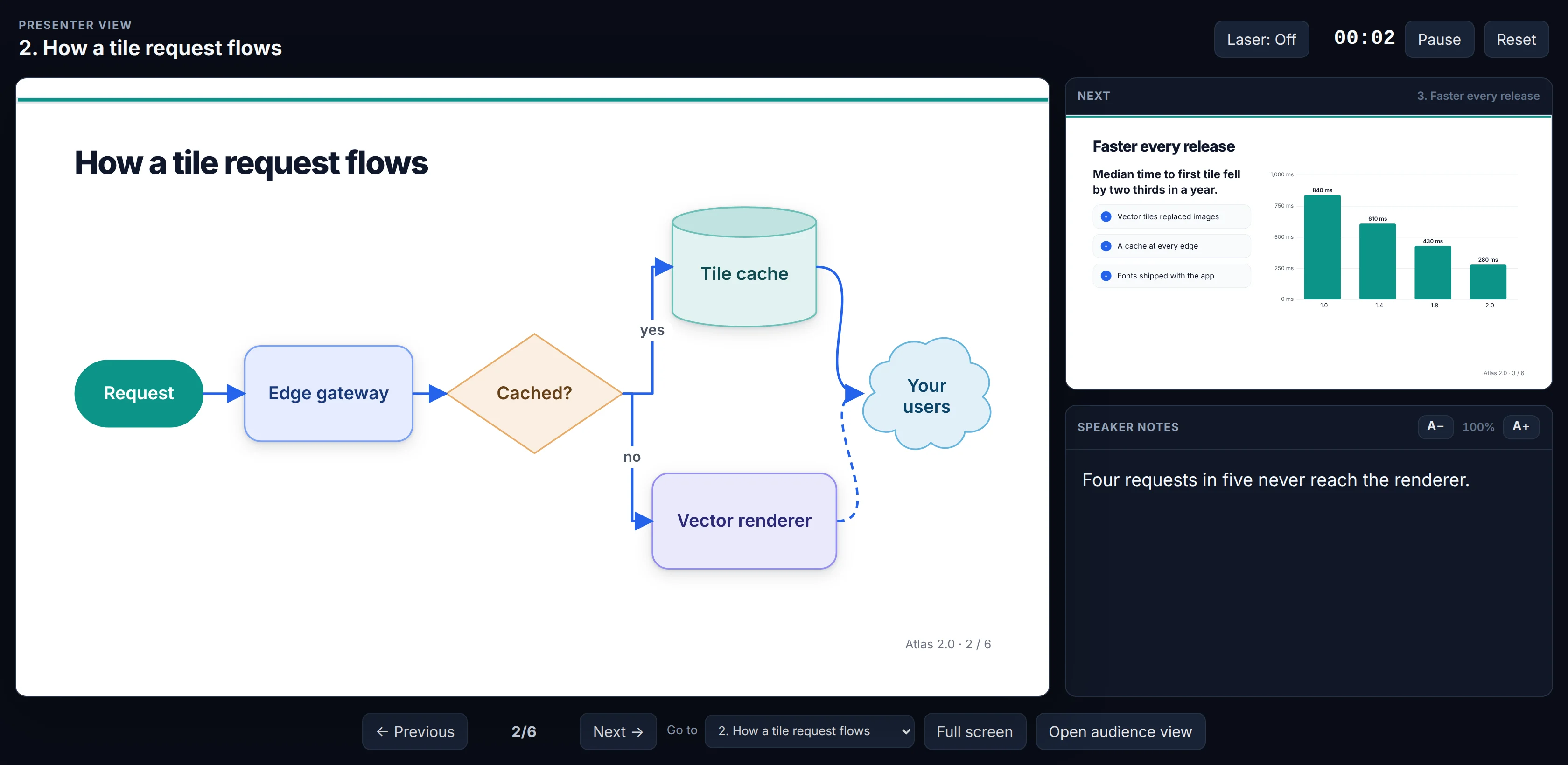
F5 from the start, Shift+F5 from here. Clicks and arrow keys step through reveals, and the show ends on black.
Notes, the next slide, and a timer on your screen, with the slides sent to the screen you choose.
Scan a QR code to change slides from your phone, read the notes on it, and point a laser at the screen.
Export the whole talk or just some slides, numbered as they were, for the projector you did not plan for.
Underneath
Every slide is a few lines of TypeScript, with no nesting and no markup. Source order is reading order, so a diff shows exactly what changed, and an AI writes it without getting lost.
slide("Faster every release").split("38:62")
  .notes("Median load time, measured on a mid-range phone over 4G.");
text("Median time to first tile fell by two thirds in a year.").lead();
bullets(
  "Vector tiles replaced images",
  "A cache at every edge",
  "Fonts shipped with the app",
);

right();
chart("bar", { "1.0": 840, "1.4": 610, "1.8": 430, "2.0": 280 })
  .unit(" ms")
  .colors("#0d9488");
The slide it drawsLive FrameSeq output, not a picture
Open the slides.split(), .grid(), and .canvas() lay a slide out; right() and cell() say where the next lines go.
frameseq check measures the drawn slides and names each overflow, clipped line, and tiny font by its object.
- metric("3×", "Faster first tile");
+ metric("4×", "Faster first tile");Built for real talks
Each one is a command with good defaults, so an AI draws it well, and each one stays editable after it reaches PowerPoint.
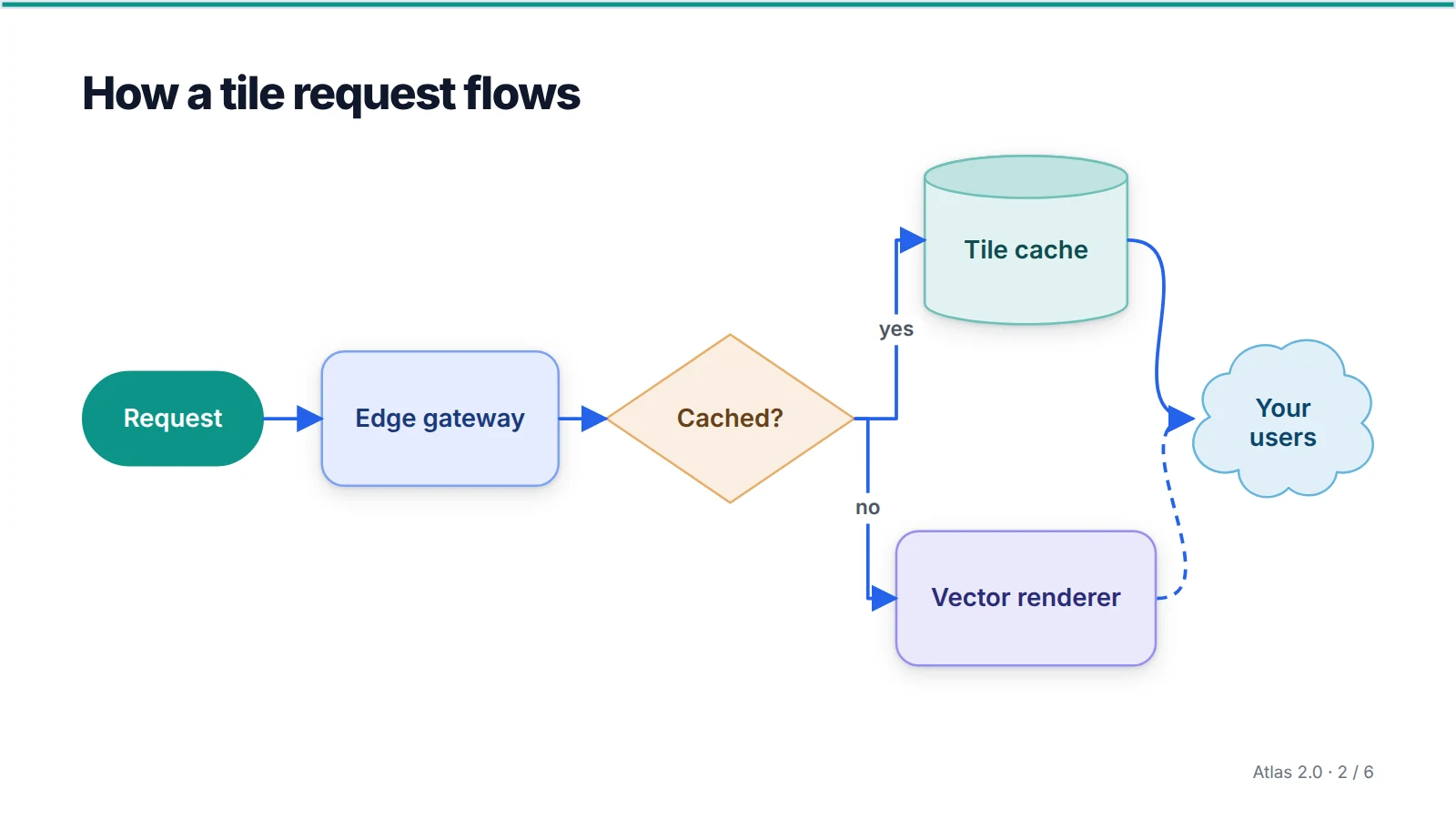
Diagrams
27 outlines with colour schemes worked out against your theme, and connectors that turn at right angles around everything in their way. PowerPoint gets its own preset shapes.
Typesetting
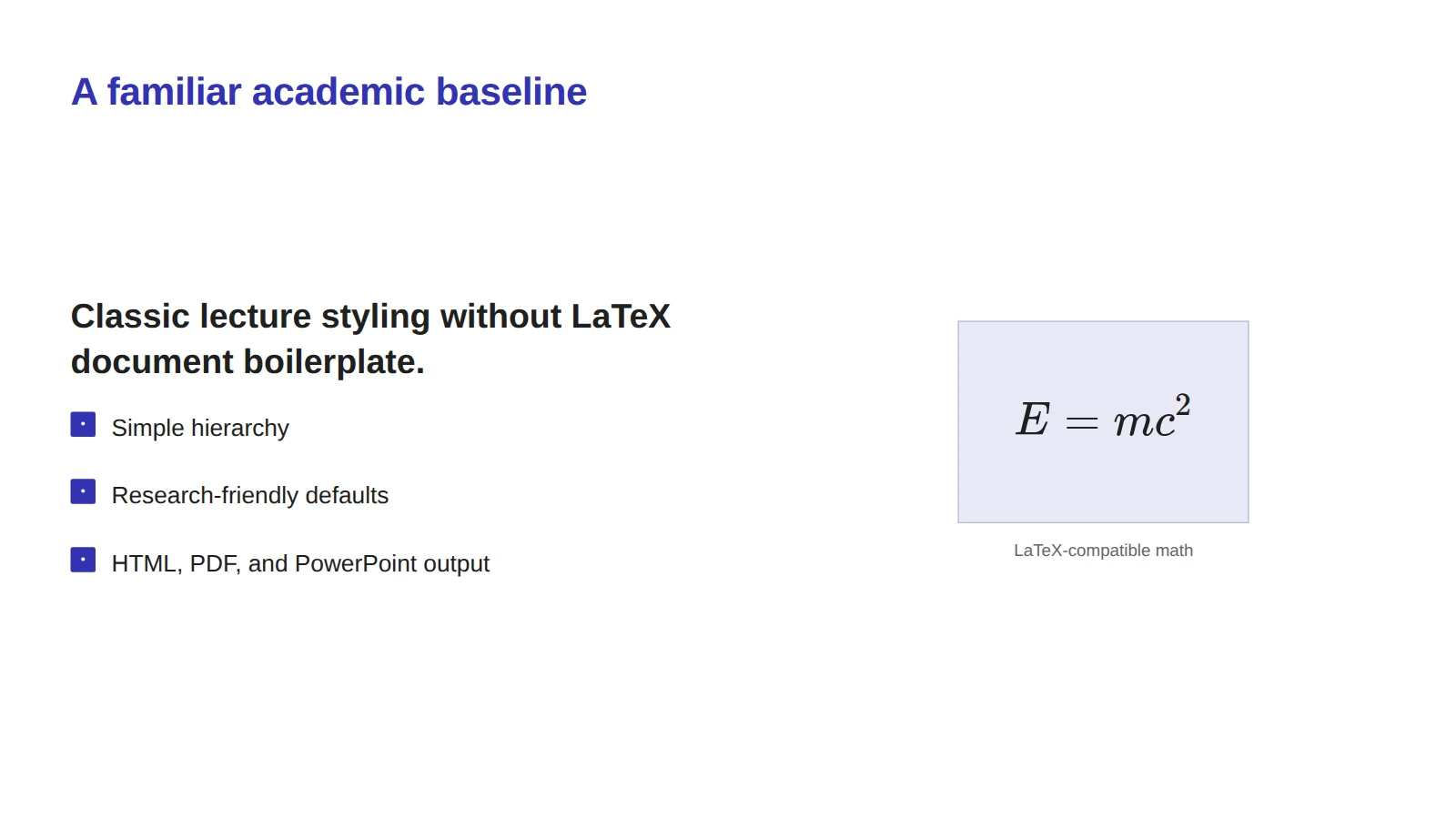
Inline or display equations in familiar LaTeX, and Typst or LaTeX tables where a fragment needs more.
Charts and tables
Bar, line, pie, and donut charts and ruled tables, drawn from the numbers in the file. Exported, they are PowerPoint charts and tables.
Posters
A title band, columns of blocks, and type sized for paper. PDF prints at the sheet's real size.
Posters and print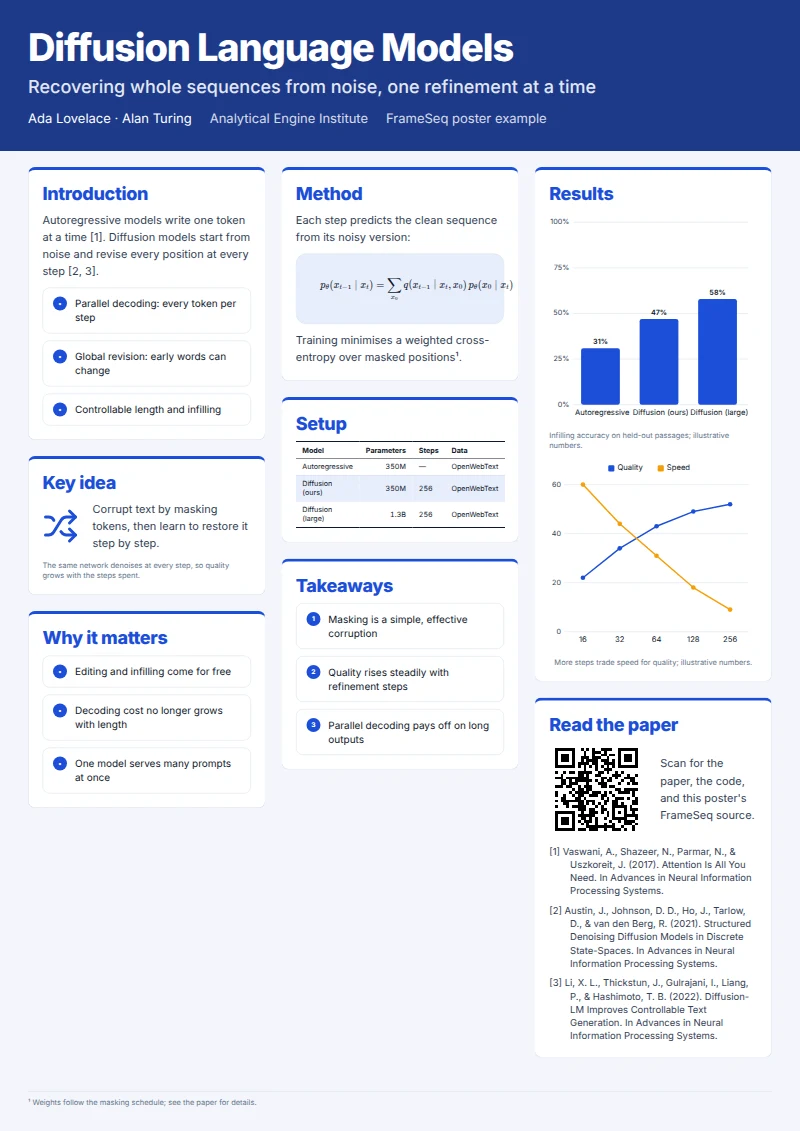
And the details
Import a .bib file and cite() as you write; each slide lists its sources at the foot. Lucide's icons come by name, and qr() puts a link your audience can scan on the last slide.
One file, four formats
Shapes, charts, and tables reach PowerPoint as native objects your colleagues can edit, and any export can take just the slides you choose.
Editable text boxes, preset shapes, charts, and tables, with masters drawn behind each slide.
frameseq pptx talk.slides.ts
Faithful to the last pixel, at the paper's size for posters, for submission and print.
frameseq pdf talk.slides.ts
Interactive slides with presenter view, to put on any static host or share as a link.
frameseq build talk.slides.ts
Typst source you can keep typesetting, with shapes, tables, and connectors as native Typst.
frameseq typst talk.slides.ts
Themes
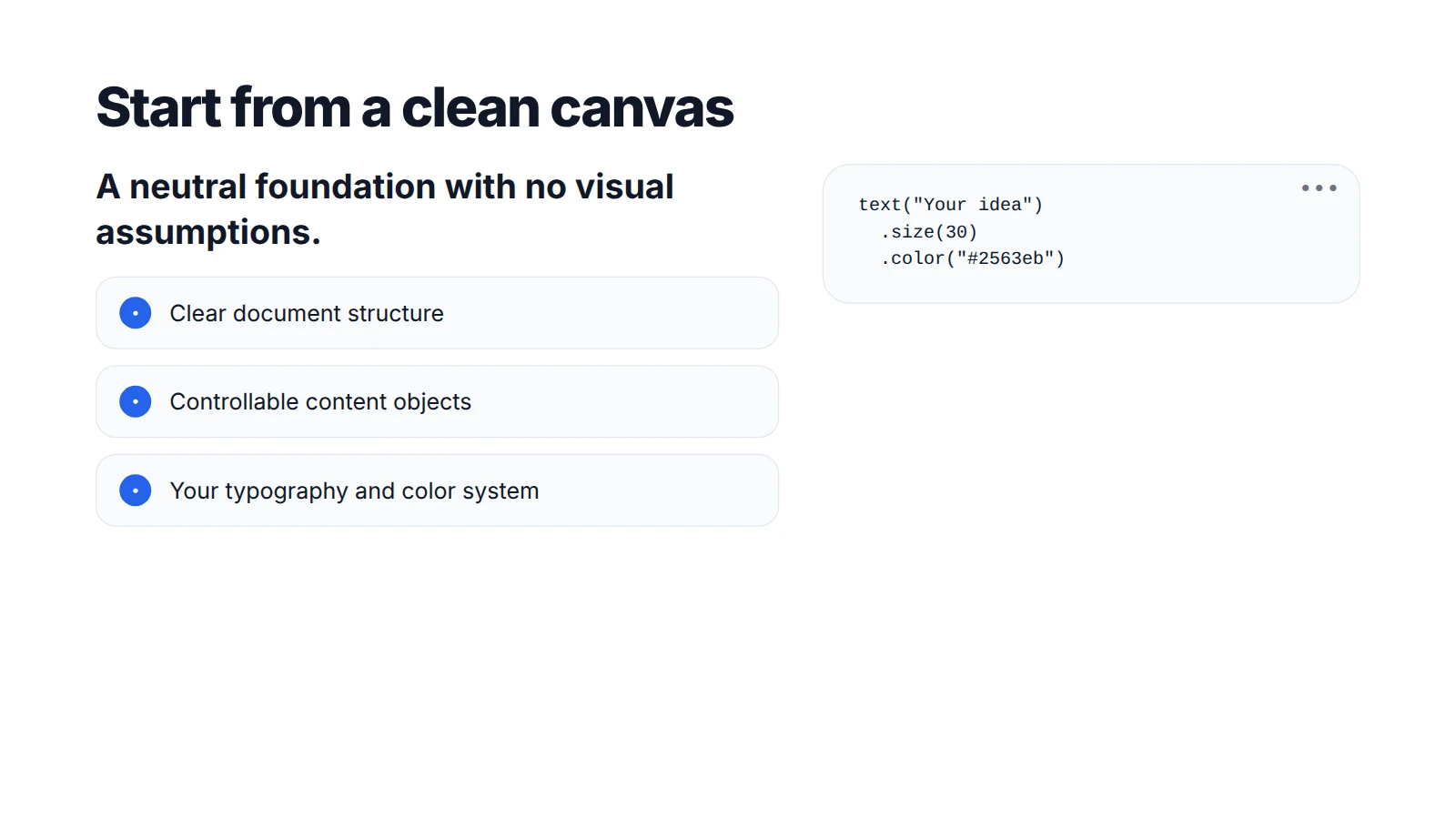
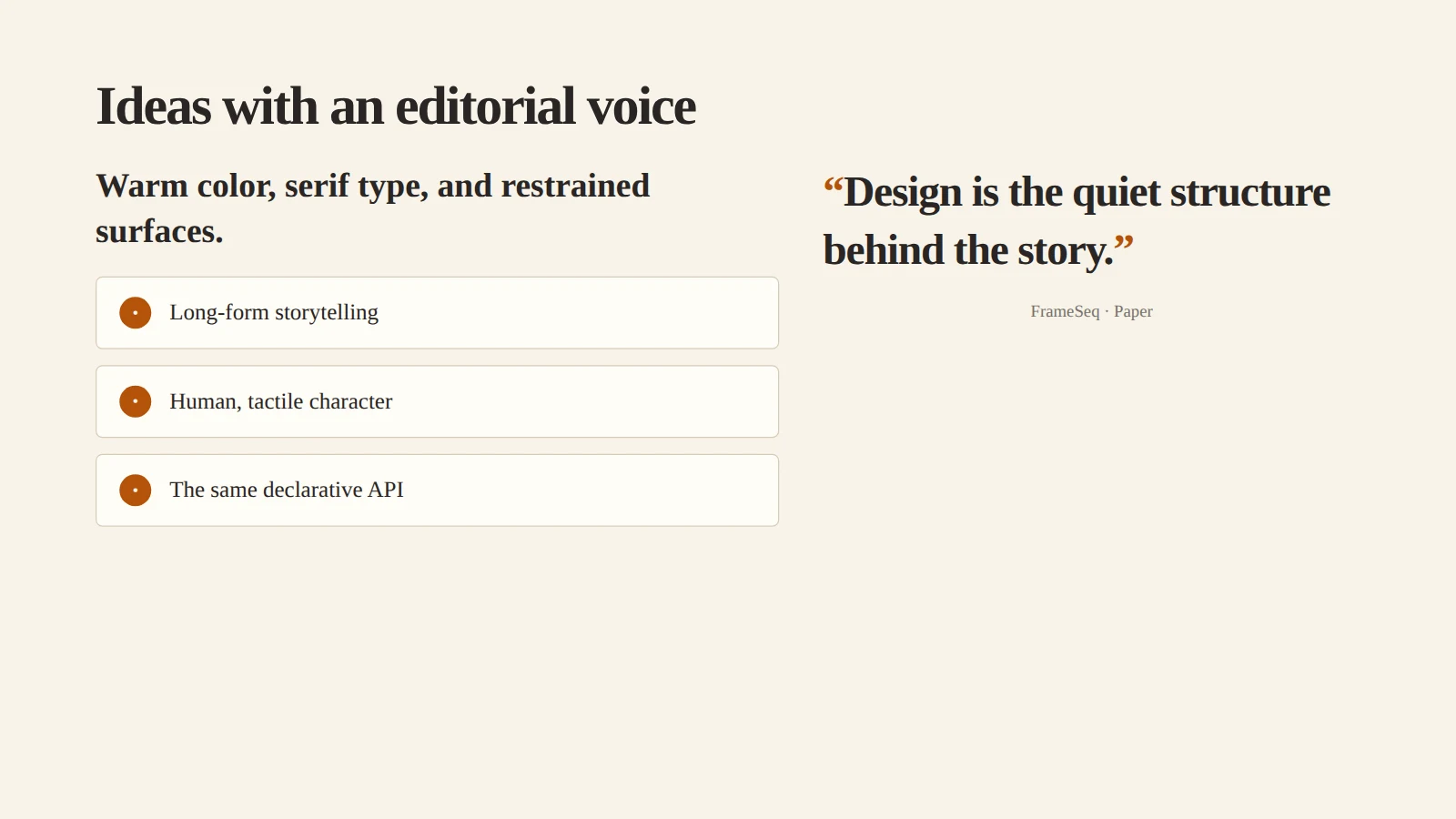
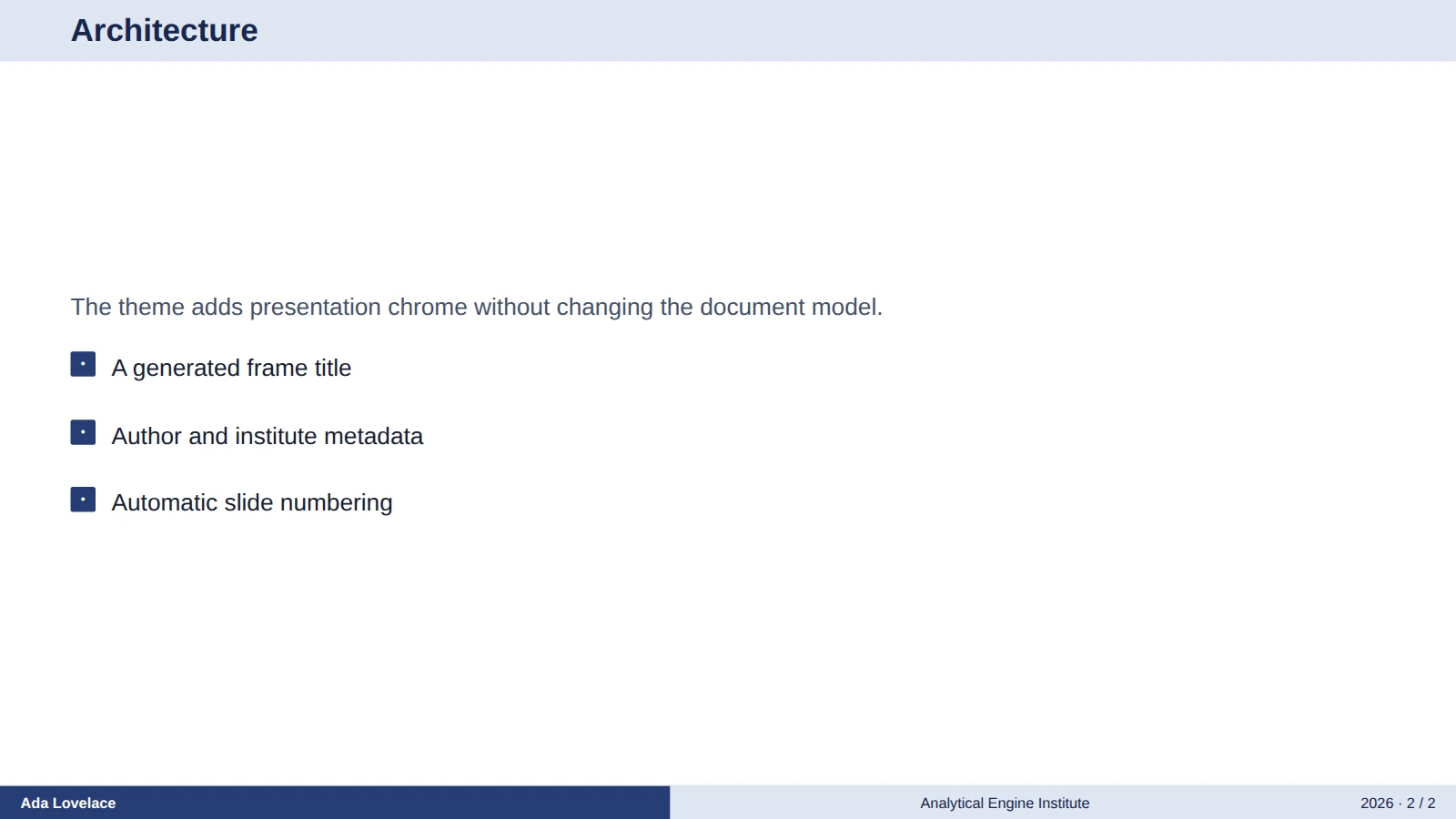
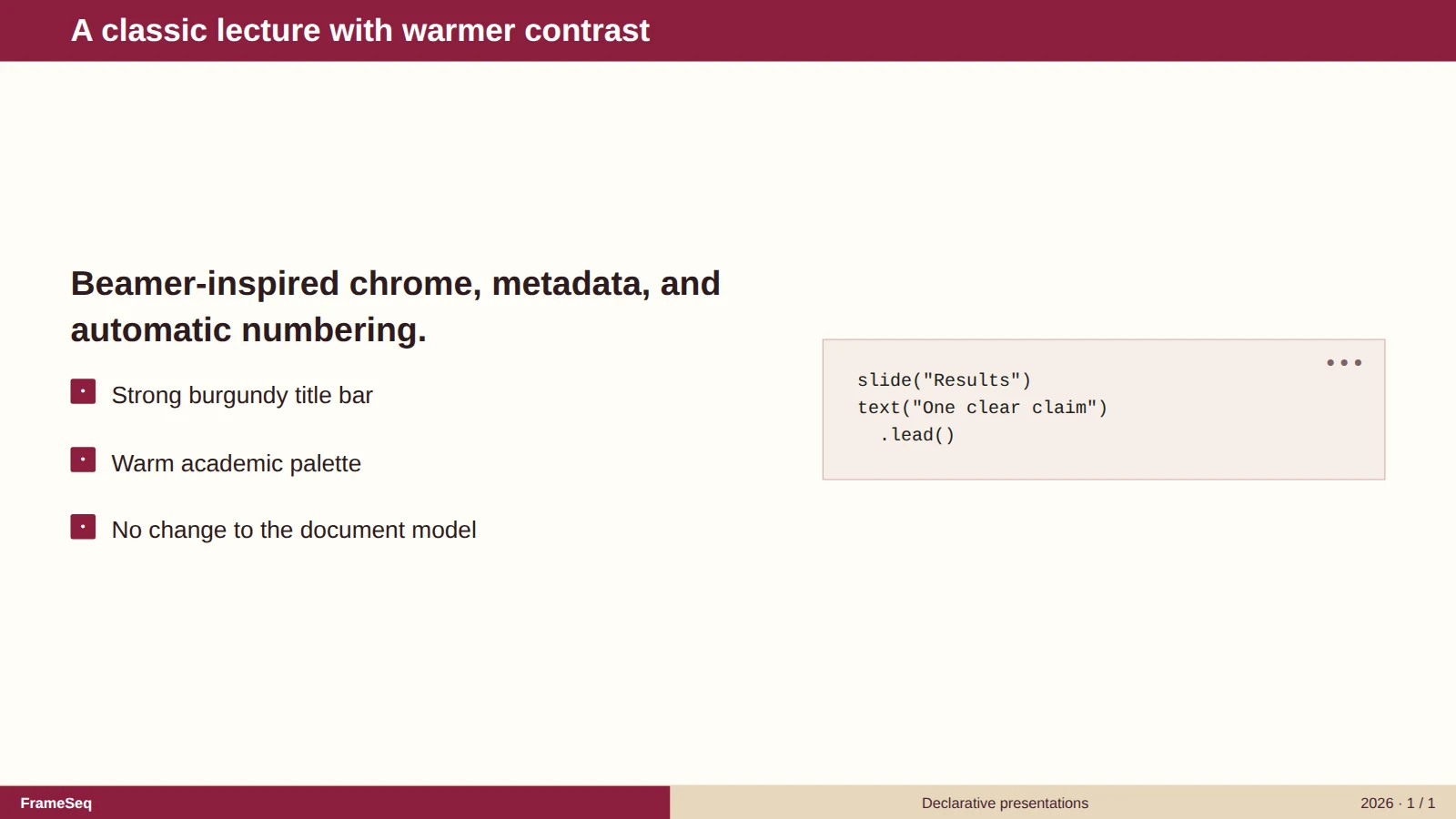
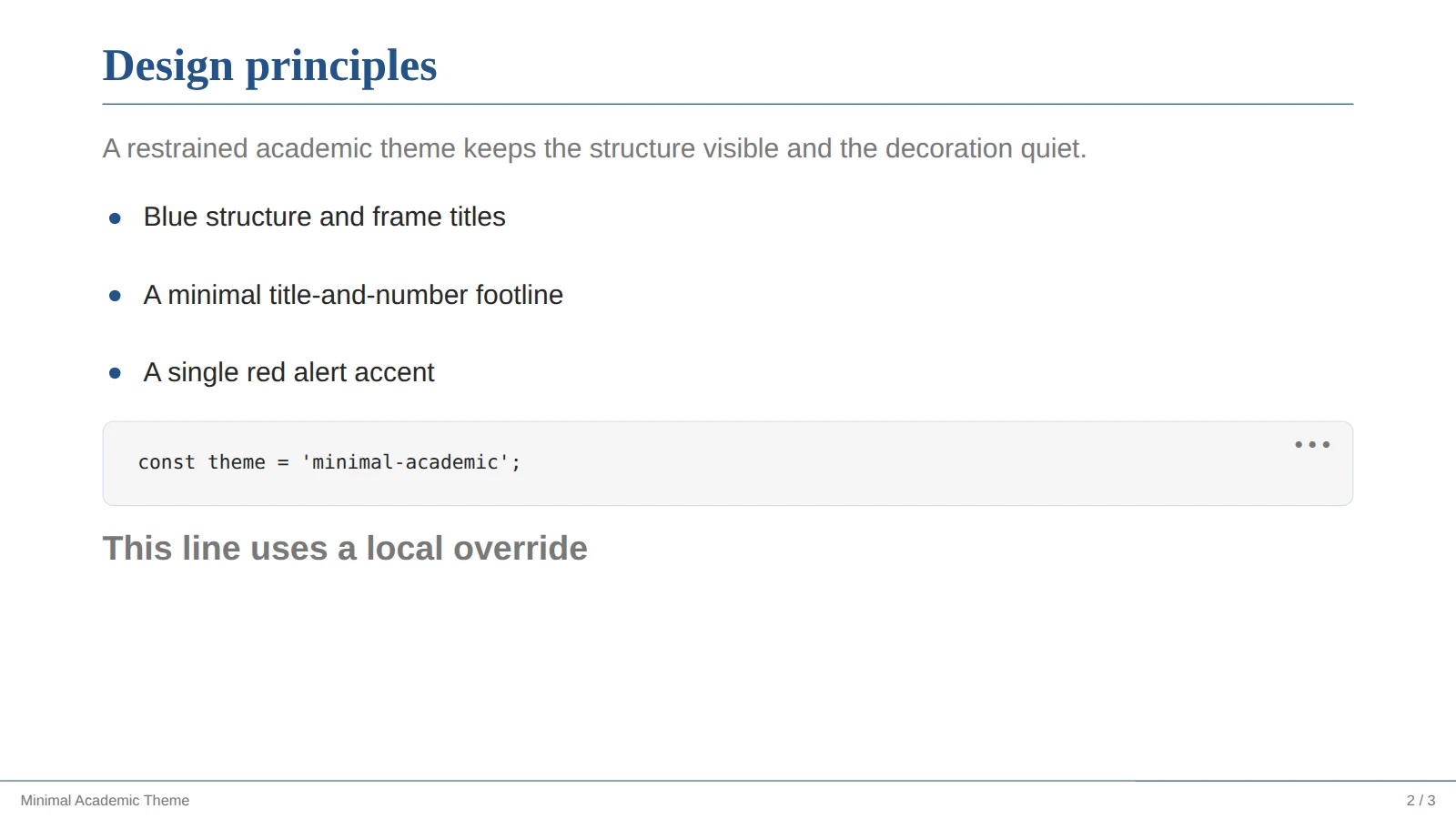
Seven themes ship with FrameSeq, each a template in the Studio's New presentation dialog. A theme never changes how you write; a master or a few tokens make it your own.
Fits the way you work
A live preview beside the source, layout findings in Problems, export, and Open in Studio.
Get the extensionFail the build, not the talk: an overflowing slide stops a merge, and the slides publish as a static site.
CLI referenceEvery revision is a readable diff. Branch a talk for a new audience, and share pieces between talks.
Revising slidesframeseq mcp lets Claude Code, Codex, and Cursor outline, check, and see your slides.
Get started
An installer for Windows, disk images for macOS, and archives for Linux. It brings its own Node.js, Typst, and Tectonic, so there is nothing to install first.
Download FrameSeqnpm create frameseq@latest my-talk
cd my-talk
npm install
npm run studioOpen a playground with a slide file and a live preview, and edit it right away.
Open the playgroundFree, open source, and yours to keep as plain text.